
MAC Client Installation (for MAC OSX 10.6, 10.7 and 10.8)
Applicable OS Versions
- OSX 10.6 Snow Leopard
- OSX 10.7 Lion
- OSX 10.8 Mountain Lion
(For users who use OSX 10.9 and 10.10, please do not use this instruction. Go here.)
Prerequisite
You should have Java SE 6 Update 26 or above installed. Please open a Terminal window, and type command "java -version". If you have Java installed, it should show you an version. Here is an example .
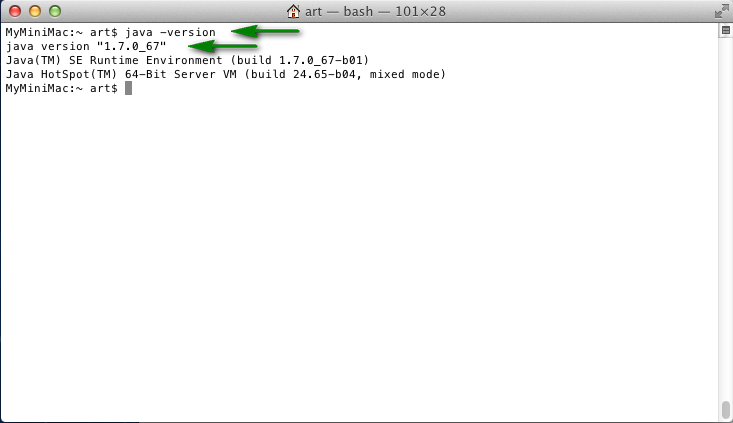
Update your Java if the version is lower than 1.6.0_26. Please use the following instruction:
http://support.apple.com/en-us/HT5648
Install and Configure Worksnaps
- Download the Worksnaps Client package. The package is in DMG format.
- Click on the DMG file to launch it.
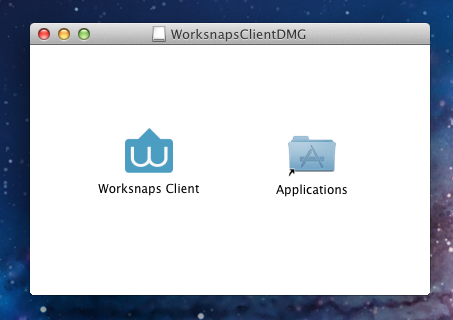
- You should see an installation window like this one . Just drag the Worksnaps Client icon to the Application folder.
- Worksnaps requires the Access for Assistive Devices to be enabled (in order to capture keyboard events). You can enable it by doing the following.
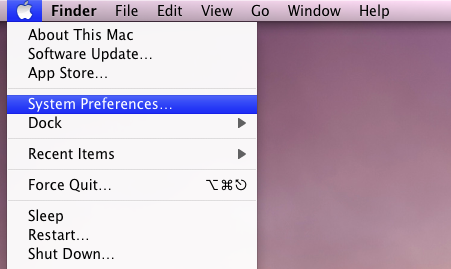
- Go to Apple menu and choose System Preferences
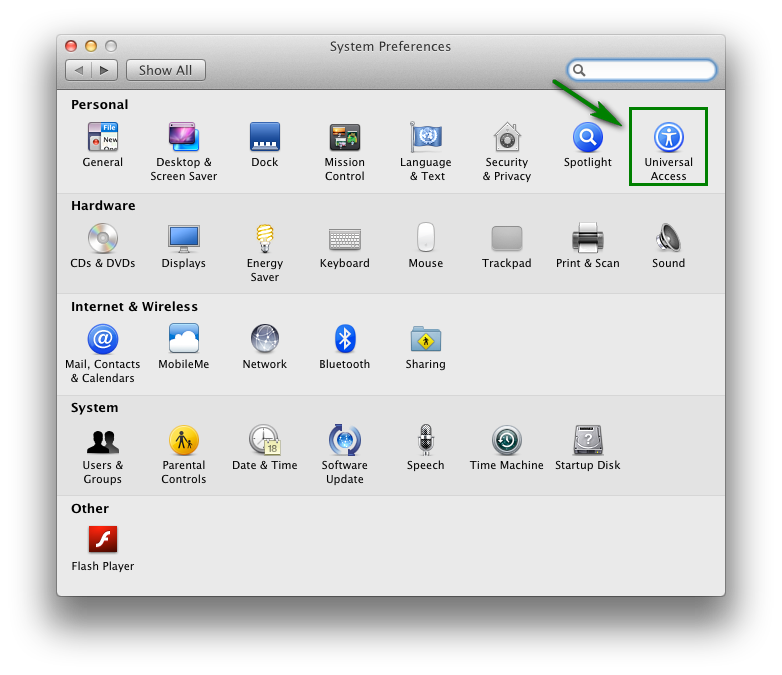
- Choose Universal Access
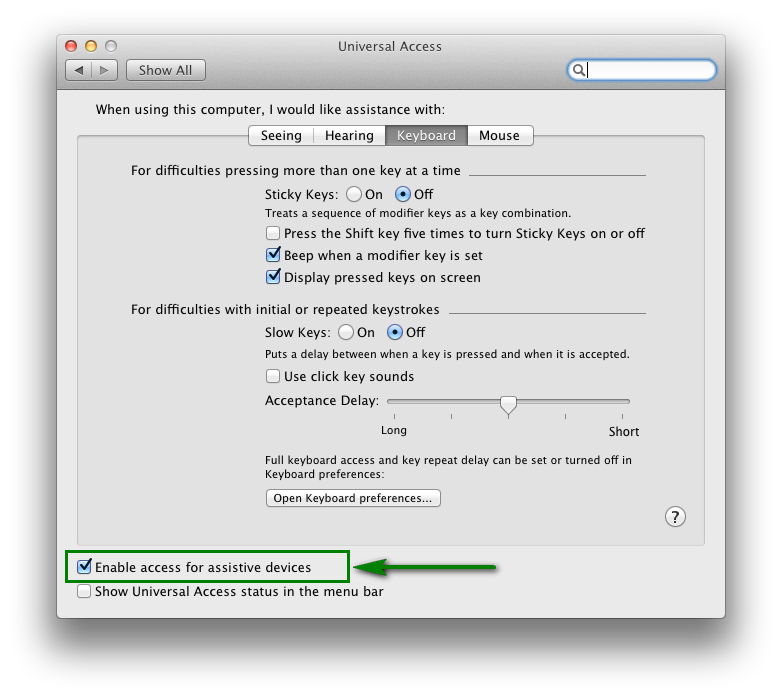
- Check the box Enable access for assistive devices .
- Go to you Applications folder and you should see Worksnaps Client. Just click to launch it.